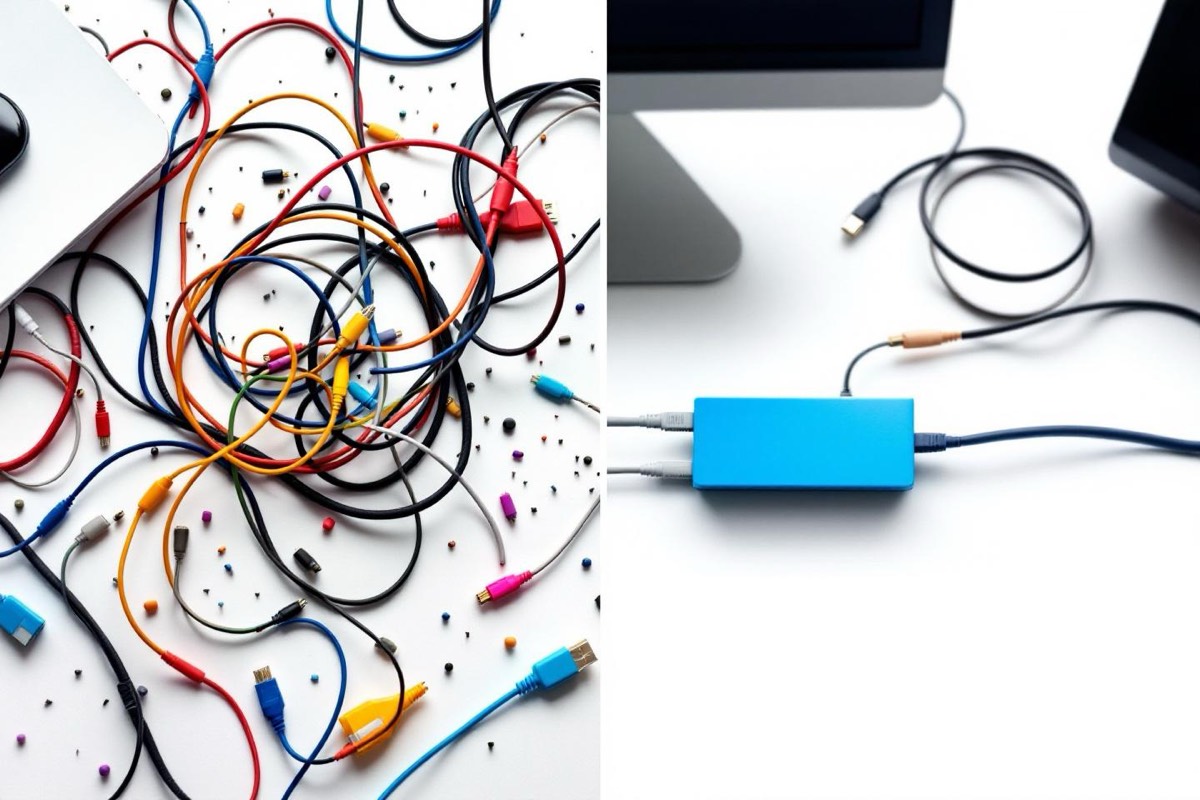
You’ve got 15, 20, maybe 40 Zapier workflows. Some work. Some break every week. Some you’re afraid to touch because nobody remembers what they do.
You know it needs to change. But you also know you can’t just shut it all off and hope.
Here’s how we actually do this migration.
In This Post
Step 1: The Audit (Don’t Skip This)
Before touching anything, we need to know what’s there. Most Zapier accounts look like a junk drawer — zaps created over years by different people with different naming conventions (or none).
We catalog every zap:
- What triggers it
- What it does
- What systems it touches
- How often it runs
- When it last failed
- Whether anyone would notice if it stopped
This usually takes a day. The output is a spreadsheet with every zap categorized as keep, rebuild, or kill.
What Gets Categorized “Kill”
You’d be surprised how many zaps are:
- Connected to tools you no longer use
- Duplicates of other zaps
- Experiments someone tried and never cleaned up
- Turned off already but nobody deleted them
In a typical audit, 20-30% of zaps can be deleted immediately. Free speed.
Step 2: Triage — Keep, Rebuild, or Kill
Keep on Zapier:
- Simple two-step automations that work reliably
- Low-volume, low-stakes workflows (Slack notifications, calendar syncs)
- Anything that’s been running for months without failing
Rebuild as custom automation:
- Multi-step workflows with branching logic
- Anything that fails regularly
- Workflows handling money, client data, or compliance
- High-volume workflows where Zapier’s per-task pricing adds up
- Anything involving 3+ systems with data transformation
Kill:
- Dead connections to unused tools
- Duplicate or redundant zaps
- Experiments that never went anywhere
Step 3: Build the Custom Replacement
For each workflow marked “rebuild,” we:
- Map the logic — not just what Zapier does, but what it should do. Often the zap has workarounds for Zapier’s limitations that aren’t needed in custom code.
- Build it properly — with error handling, retry logic, logging, and monitoring built in from the start.
- Deploy to managed infrastructure — your integration runs on our servers, monitored around the clock.
- Test with real data — not sandbox data, real production data in a safe test mode.
Step 4: Parallel Run
This is the critical step most people skip when they try to DIY a migration.
Both systems run simultaneously. The old Zapier zap and the new custom automation both process the same triggers. We compare outputs to verify the custom version produces identical results.
How long? Usually 1-2 weeks. Long enough to catch edge cases that don’t show up on day one.
Step 5: Cut Over
Once the parallel run confirms everything works:
- Turn off the old zaps
- Downgrade your Zapier plan
- Custom automation is now the primary system
- We monitor it ongoing
What Your Zapier Bill Looks Like After
Before migration:
- 40 zaps across Professional and Team plans
- $200-400/month
- 5-10 hours/month fixing broken workflows
After migration:
- 5-8 simple zaps on Free or Starter plan ($0-20/month)
- Critical workflows on managed custom automation
- 0 hours/month fixing things — that’s our job
Common Concerns
“What if the custom automation breaks?” It can, and eventually something will need attention (APIs change, services update). The difference is we’re monitoring it proactively and we fix it before you notice. On Zapier, you’re the monitoring system.
“This seems like a big project.” The audit + triage is usually 1-2 days. The rebuild is 2-4 weeks depending on complexity. You’re not rebuilding everything — just the 5-10 workflows that cause 90% of the headaches.
“Can I go back to Zapier if this doesn’t work?” The old zaps aren’t deleted during migration, just turned off. You can flip them back on anytime during the parallel run period. Zero risk.
Related Guides
FAQ
Frequently Asked Questions
Do I have to replace all my Zapier zaps?
No. Most clients keep simple zaps running and only replace the complex, fragile, or expensive ones. Replace what causes problems, keep what works.
How long does a Zapier migration take?
Typically 2-4 weeks for the critical workflows. Simple zaps stay on Zapier, complex ones get rebuilt as custom automation. We run both in parallel before cutting over.
Will I lose data during the migration?
No. We run the old and new systems in parallel during transition. Both process the same data until we confirm the custom version is solid, then we decommission the old zaps.
What happens to my Zapier subscription?
It drops to a lower tier or goes away entirely. Most clients go from $200+/month to Free or Starter tier for the few simple zaps they keep.